Hardware
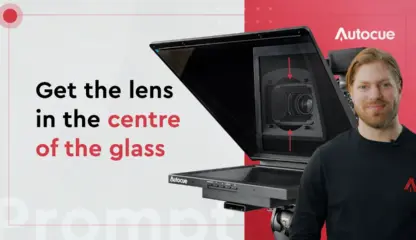
Getting the lens in the centre of the glass
When you set up a teleprompter for video production, make sure the camera lens is in the middle of the beamsplitter glass. You'll have full field of view, and your presenter will look right at...
When you set up a teleprompter for video production, make sure the camera lens is in the middle of the beamsplitter glass. You'll have full field of view, and your presenter will look right at...
In this video, we'll share our top three reasons to use a prompter in your production.
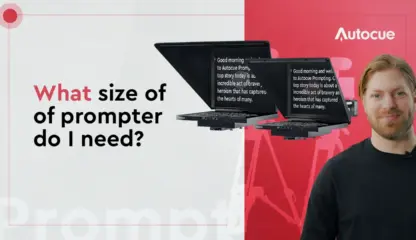
Choosing your Autocue? Screen size matters! A few simple points will help you get the sizing right.
Sometimes a presenter wants to see the programme output as well as the script. That’s where talent reference monitors come in. In this video we’ll look at how to add a talent monitor to Autocue...
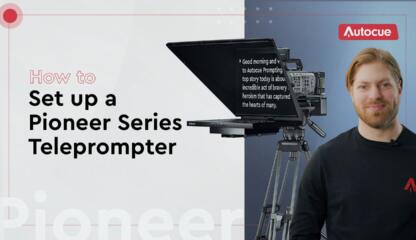
It’s important the setup your new Autocue teleprompter correctly, so it works as intended. In this video, we'll show you how to do just that with a few pro tips along the way. Be sure...
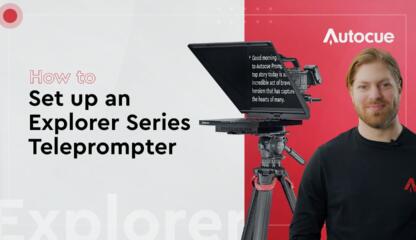
It’s important the setup your new Autocue Explorer teleprompter correctly, so that it works as intended. In this video we'll show you exactly how to do just that for the 17 and 19 inch teleprompters....
Presenting with an Autocue can bring lots of benefits, but only if you use it well. In this video, we’ll look at the key tips to make using a prompter more enjoyable and effective.
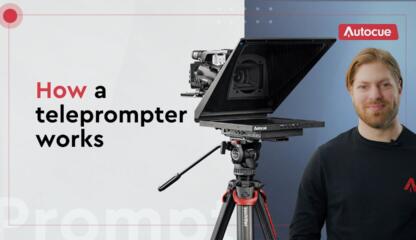
Coming up today, we’re splitting beams, monitoring the situation, and checking under the hood as we look at how prompters work. If you’re a prompting newbie, this is the video for you.
With two software options: Autocue Explorer and Autocue Pioneer. Which is right for you? Learn the key differences between Autocue Explorer and Autocue Pioneer to help you decide.
Combining Microsoft PowerPoint with a fully prompted script is great for keynote presenting with confidence and accuracy. Learn how to use Autocue’s built-in compatibility with PowerPoint to help public speakers stay on point.
Learn how to take your teleprompting game to the next level by using the ShuttleXpress, to control your Autocue software.
Learn how to customise your Autocue Explorer software settings to control your teleprompter like a pro.